FitForge

AI-assisted macro tracking, built for control

Track meals faster. Edit every macro. Stay on target.

FitForge is a mobile-first calorie and macro tracker that lets you log meals by text, photo, or voice, then review and edit ingredients, macros, and calories before saving. It is made for people who want AI speed without giving up precision.

  • Text, photo, and speech meal logging
  • Ingredient-level edits before save
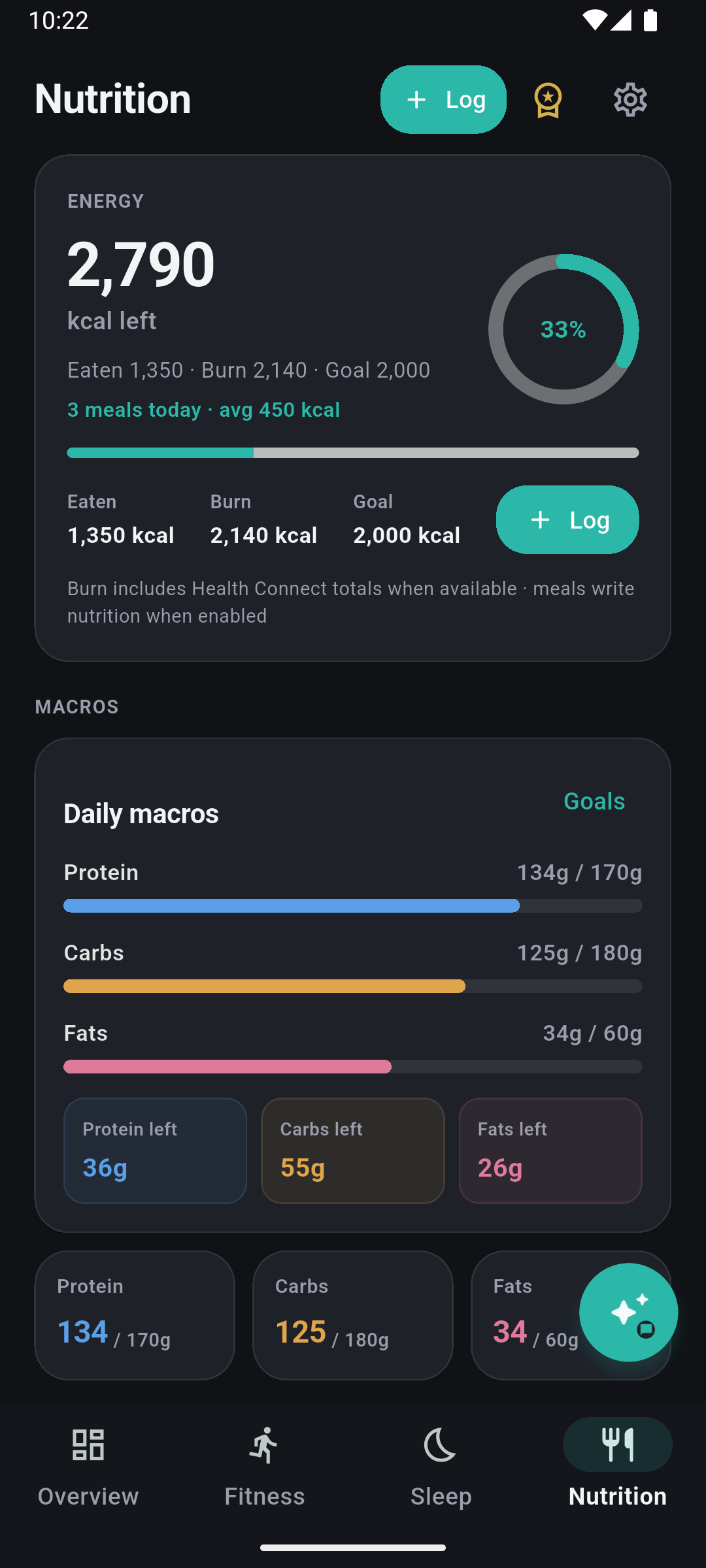
  • Daily goals, totals, and premium insights
  • Seeker / Solana wallet-powered premium flow
Meal review with editable macros and ingredients
FitForge review meal screen with editable macros and ingredients
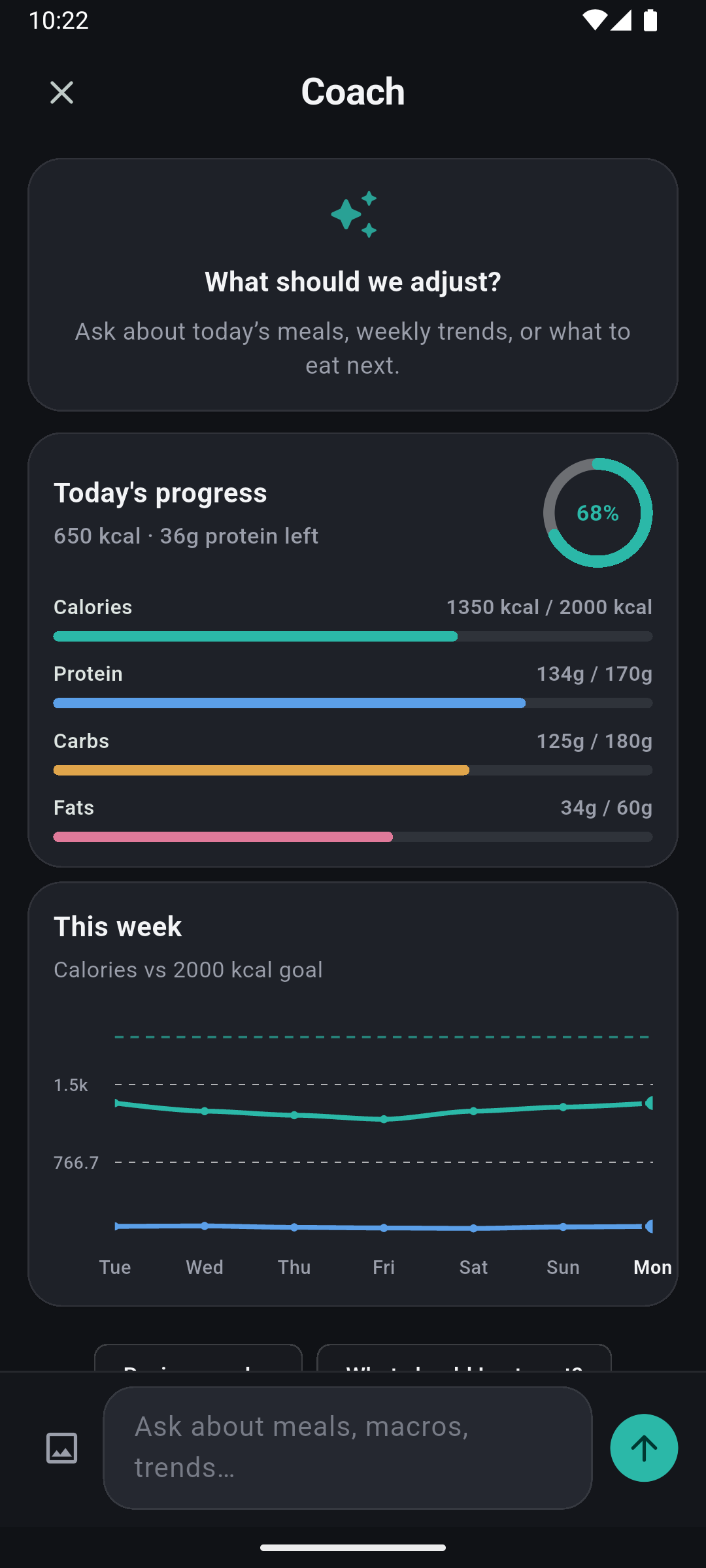
Totals, goals, and premium insights
FitForge history screen showing macro and calorie trend graph

What FitForge is for

Built for macro-aware tracking and consistent habits

FitForge is made for people who care about calories and macros but do not want slow logging workflows. It is designed for daily use on mobile, with AI helping you start faster and manual editing making sure the final entry is accurate enough for your goals.

  • Speed fast meal capture by text, photo, or voice
  • Editability adjust protein, carbs, fats, calories, and ingredients
  • Insight-driven premium insights suggest what to change next
  • Mobile-first designed for on-the-go logging and Seeker usage

Core features

AI-assisted logging with full user control

FitForge combines fast input methods with a review workflow that keeps you in control of the final numbers.

Text meal input + AI analysis

Describe a meal in plain language and let FitForge estimate macros and calories as a starting point.

Photo meal analysis Premium

Use the camera or image picker for AI-assisted photo analysis, then review and correct the result.

Speech-to-text logging

Speak your meal, review the transcript, and send it through the same AI-assisted text flow.

Ingredient-level editing

Edit or add ingredients manually, and adjust macros/calories before the meal is saved to history.

Goals and daily totals

Set calorie and macro targets, then track consumed vs remaining values throughout the day.

History and trend views

Review meal history by day, week, month, or all time with macro + calorie trend visualization.

Premium insights

Generate actionable AI insights based on recent meals and targets, including suggested next meals.

Theme customization

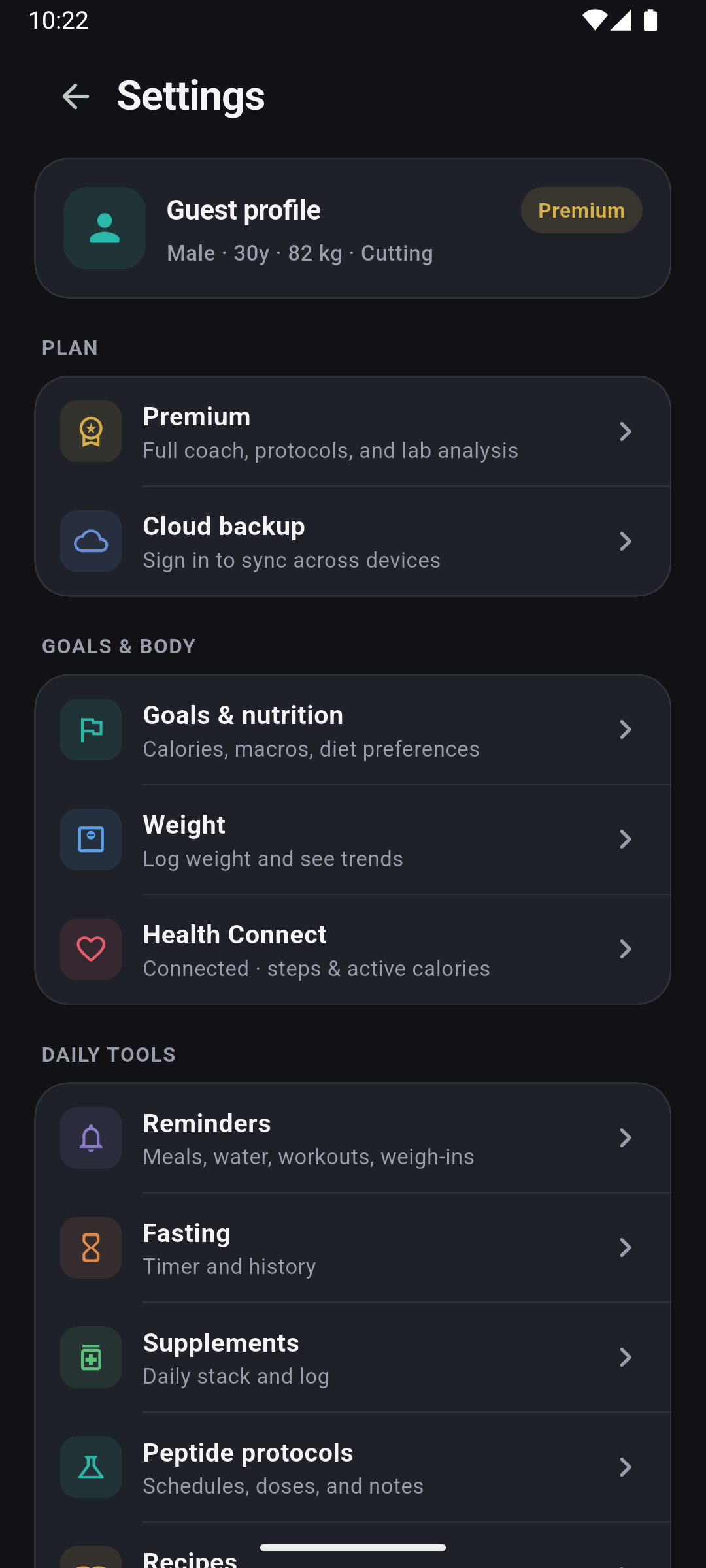
Choose light or dark mode and pick a visual preset that matches your preferred style.

How it works

Log, review, save, and improve

FitForge is built around a review-first workflow. AI helps you start, but your edits define the final entry.

  1. Log a meal

    Use text, photo, or voice input to start an entry quickly from your phone.

  2. Review AI output

    Open the review screen and inspect estimated macros, calories, and ingredient breakdowns.

  3. Edit what matters

    Adjust macros, calories, ingredient amounts, or add/remove ingredients before saving.

  4. Save to history

    Entries feed your daily totals, goals progress, and historical trend views.

  5. Use insights to improve

    Premium users can generate AI suggestions to better hit remaining macros and refine patterns over time.

FAQ

Common questions

Practical answers about what FitForge does and how the current product works.

What data is stored locally vs backend?

Meal history, goals, and visual preferences are stored locally on the device. Backend services are used for premium/subscription verification and server-side AI processing.

Is AI required to use FitForge?

No. You can add meals manually and edit all values. AI is there to speed up meal entry, not replace manual control.

What is premium?

Premium unlocks image AI analysis, advanced analytics, and AI insights. Free usage still supports core tracking and manual logging.

Is FitForge available on Seeker?

FitForge is designed for mobile usage and integrates with Solana mobile wallet flows for Seeker-compatible premium access.

Can I edit meals after AI analysis?

Yes. FitForge is built around a review flow where you can edit macros, calories, and ingredient breakdowns before saving.

Does FitForge support manual logging?

Yes. You can add a meal without AI and build the ingredient list yourself inside the same review/edit experience.